
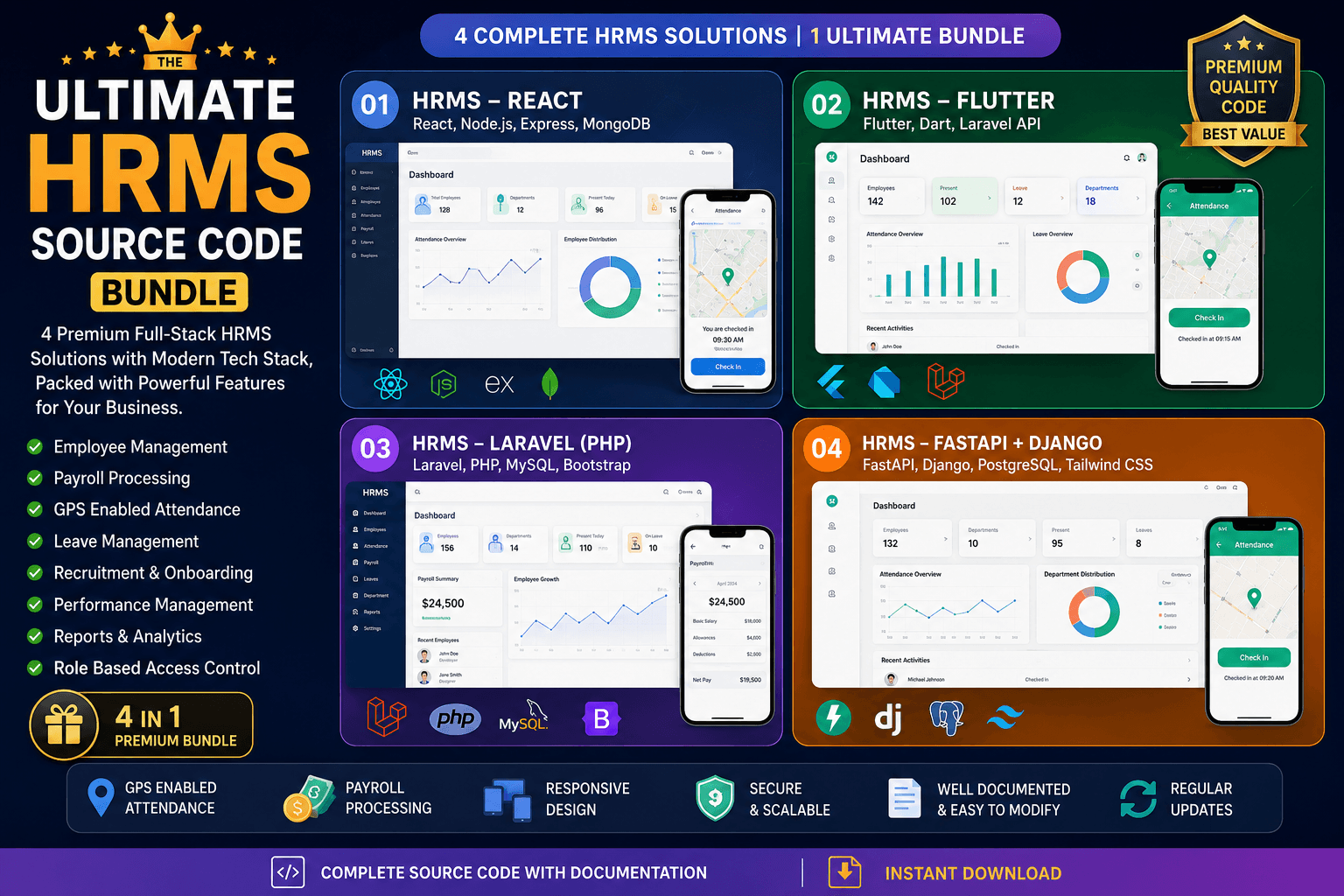
Project Description
Here is the PPT Link
Please follow below steps after downloading source code:
1. There is 3 sections of this software
- Backend (Developed on Python Django Framework)
- Frontend (Developed on React JS)
- Android App (Developed on Flutter)
2. First doanload all files and run
- Setup PostgreSQL with DB name 'cdotdb'
- Microsoft C++ Distributor must be installed on widows to run in development mode
3. Run below command for Django setup
- python -m venv env
- env\Scripts\activate
- pip install -r requirements.txt
4. Then to start Django Application
- Type command env\Scripts\activate
- python manage.py migrate
- python manage.py createsuperuser (Thyen enter username, email, password)
- python manage.py runserver
5. Visit http://127.0.0.1:8000/admin and login using username and password created above
(For e.g My username is praveen and password is Here@2024)
6. Add Employees and keep username same as superadmin to login from http://127.0.0.1:8000 here
7. Add other details like Company, Branch, Assets, Asset Category, Financial, Year, Leave, Departement, PayGrade and Notification details
8. Then login to HRMS from http://127.0.0.1:8000 here and start adding Employees
9. If you want to make changes in Frontend then Open 'frontend' and run 'npm install' then 'npm start'
10. After making any changes in the frontend run 'npm run build' to see changes from Django.
11. In Flutter app open Android.Menifest file and update Google Map API Key as
<manifest xmlns:android="http://schemas.android.com/apk/res/android">
<!-- added these permissions -->
<uses-permission android:name="android.permission.ACCESS_FINE_LOCATION" />
<uses-permission android:name="android.permission.ACCESS_BACKGROUND_LOCATION"/>
<uses-permission android:name="android.permission.WAKE_LOCK" />
<uses-permission android:name="android.permission.INTERNET" />
<uses-permission android:name="android.permission.FOREGROUND_SERVICE" />
<application
android:label="hrms"
android:name="${applicationName}"
android:icon="@mipmap/ic_launcher">
<!-- added api key -->
<meta-data android:name="com.google.android.geo.API_KEY"
android:value="<YOUR_GOOGLE_MAP_API_KEY>"/>
<activity
android:name=".MainActivity"
12. For Running Flutter on localhost and connecting to Django
- Open cmd and write 'ipconfig'
- Copy IPv4 addredd and update contants.dart
- Run python with command 'python manage.py runserver <IPv4>:8000'
- For e.g., static const String apiLink = 'http://192.168.0.100:8000/api/'; and 'python manage.py runserver 192.168.0.100:8000'
For generating Google MAP API Key
Visit: https://console.cloud.google.com/
Enable Maps JavaScript API
Features:
Visit: https://console.cloud.google.com/
Enable Maps JavaScript API
Features:
Super Admin
- Can Add Company with Branches and GPS Coordinates
- Can Add Assets with Asset Category
- Can Add Department
- Can Add Financial Year
- Can Add Pay Grades (It contains Salary Range, HRA%, Basic%, TA% etc.)
- Can Add Notification
Admin
- Can Add Employess with Different Roles Like Manager and Employee
- Can Track Attendance with Search and Export
- Can Track Daily Task Submitted by Employees at the Time of Logout from APP
- Can Generate PaySlip of Employees
- Can Create and Track Loan
- Can Create and Manage Tasks
- Can Manage Leaves (Like modifying leaves of Employees)
- Can Allocate and Manage Company Asset
Manager
- Can Mark his Attendance / View List of his Attendance
- Can View Attendance of All Employees in his department
- Can View Daily Task of All Employees in his department
- Can View Daily Task of All Employees in his department
- Can Manage Employees Leaves (Grant Leave / Reject Leave)
Employee
(From Android App)
- Can Mark his attendance if his GPS coordinates matches the condition
- Can View List of Leaves and Can Apply for Leaves
- Can View List of Asset or Can ask for new Asset
- Can Submmit Daily Task at the time of Logout(Optional)
- Can View Task Allocated to him
(From Web App)
- Can Mark his attendance (It will be Reflected as Signed from Web)
- Can View List of Leaves and Can Apply for Leaves
- Can View List of Asset or Can ask for new Asset
- Can Submmit Daily Task at the time of Logout(Optional)
- Can View Task Allocated to him
Asset Admin
- Asset Admin can do all task of Admin
- Can Manage Asset Allocation