
Project Description
Project Overview
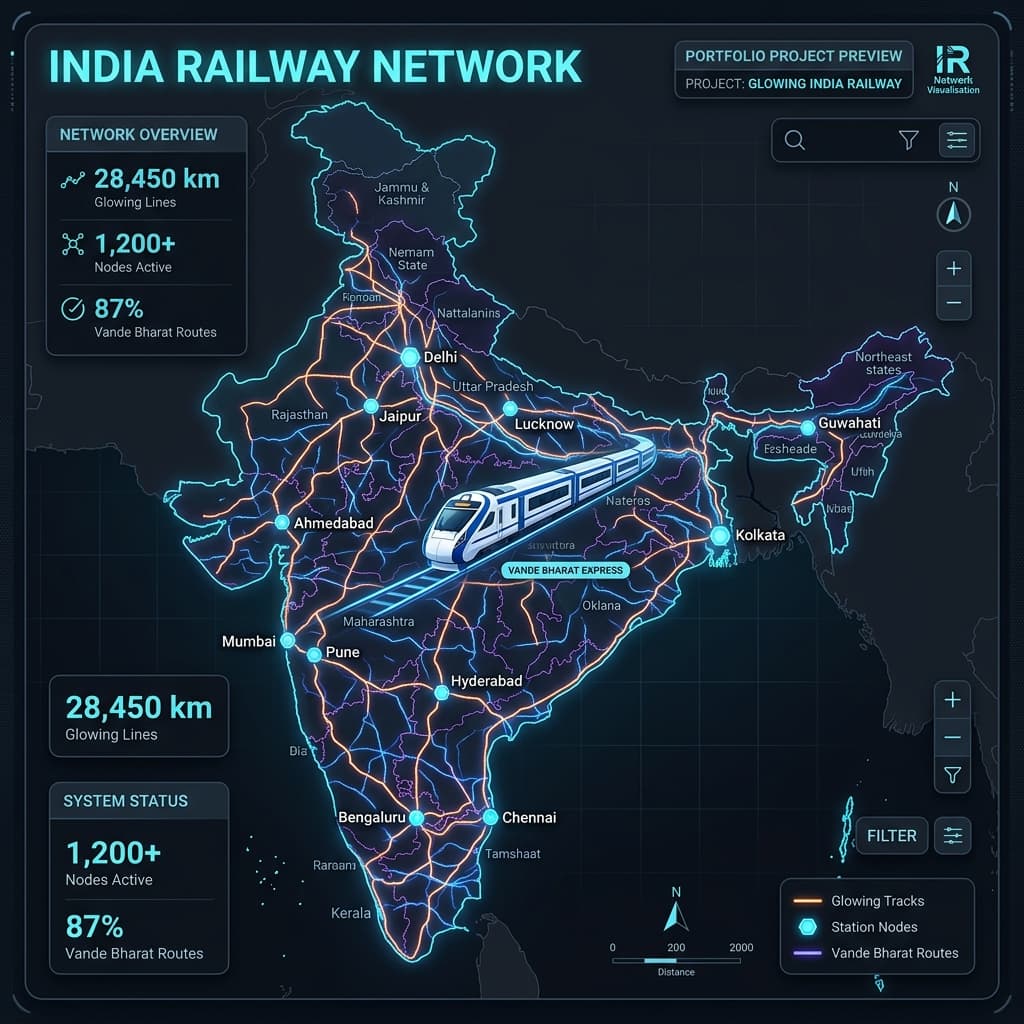
RailTrack India is a modern, high-performance web dashboard designed to simulate and visualize the live running status of trains across the Indian Railways network. Developed using Next.js 14 and TypeScript, the application delivers a seamless, mobile-friendly interface for commuters and rail enthusiasts.
To overcome the challenges of real-time train positioning without continuous GPS feeds, RailTrack India features an intelligent interpolation engine. It estimates a train's real-time position along its polyline route using the latest station reporting data, providing a visual simulation of the journey.
Key Features
- Five-Digit Indian Train Search: Instant lookup for major trains including:
- 12301 / 12302 – Howrah Rajdhani Express (Howrah
HWH⇄ New DelhiNDLS) - 12951 – Mumbai Rajdhani Express (Mumbai Central
MMCT→ New DelhiNDLS) - 12002 – New Delhi Rani Kamlapati Shatabdi (New Delhi
NDLS⇄ BhopalRKMP) - 12424 – New Delhi Dibrugarh Rajdhani (New Delhi
NDLS⇄ DibrugarhDBRG)
- 12301 / 12302 – Howrah Rajdhani Express (Howrah
- Interactive Leaflet Mapping: High-fidelity maps powered by React Leaflet display:
- Complete train routes using clean SVG polylines.
- Station markers with precise coordinates (Latitude/Longitude) for major transit hubs.
- An animated train position marker showing current location estimation.
- Live Delay Tracking & Timeline: A dynamic, step-by-step vertical timeline depicting:
- Completed, active, and upcoming station stops.
- Scheduled vs. actual/expected arrival and departure times.
- Color-coded delay duration in minutes to alert travelers of late arrivals.
- Resilient Offline-First Mock Provider: Works out-of-the-box using mock datasets modeling real Indian train routes, schedules, and delays. Features a clean provider interface that allows seamless connection to live railway APIs.
- Performance-First Architecture: Implements a 30-second in-memory server-side cache coupled with TanStack Query polling (every 60 seconds) on the client side to avoid rate limits and minimize server load.
5. Technology Stack
- Framework: Next.js 14 (App Router)
- Programming Language: TypeScript
- Styling & Responsive Design: Tailwind CSS & PostCSS
- Interactive Maps: Leaflet & React Leaflet (OpenStreetMap tile layers)
- Data Fetching & State Synchronization: TanStack Query (React Query v5)
- Schema Validation & Type Safety: Zod
- Testing Suite: Vitest & React Testing Library (with custom mocks for Leaflet and TanStack Query)
- Linting & Code Quality: ESLint
6. How to Run the Project Locally
Follow these instructions to clone, configure, and run the project on your development environment:
Prerequisites
- Node.js (v18.x or higher recommended)
- npm (v9.x or higher)
Setup & Installation
-
Clone the repository:
git clone <your-repository-url> cd Railway-Tracking-App -
Install dependencies:
npm install -
Configure Environment Variables:
Copy the example environment file and customize it for your local environment:cp .env.example .env.localBy default, the application runs in
mockmode, simulating train activity using pre-configured schedules without requiring active external APIs. -
Start the Development Server:
npm run dev -
Access the application:
Open your browser and navigate to http://localhost:3000.
Running Quality Checks & Tests
To verify code quality and execute automated unit tests:
- Run Unit Tests:
npm run test:run(Runs Vitest tests) - Run Code Linter:
npm run lint(Checks for styling and code errors) - Run TypeScript Compiler Check:
npm run typecheck(Checks for type safety issues) - Build for Production:
npm run build(Ensures compilation is production-ready)