
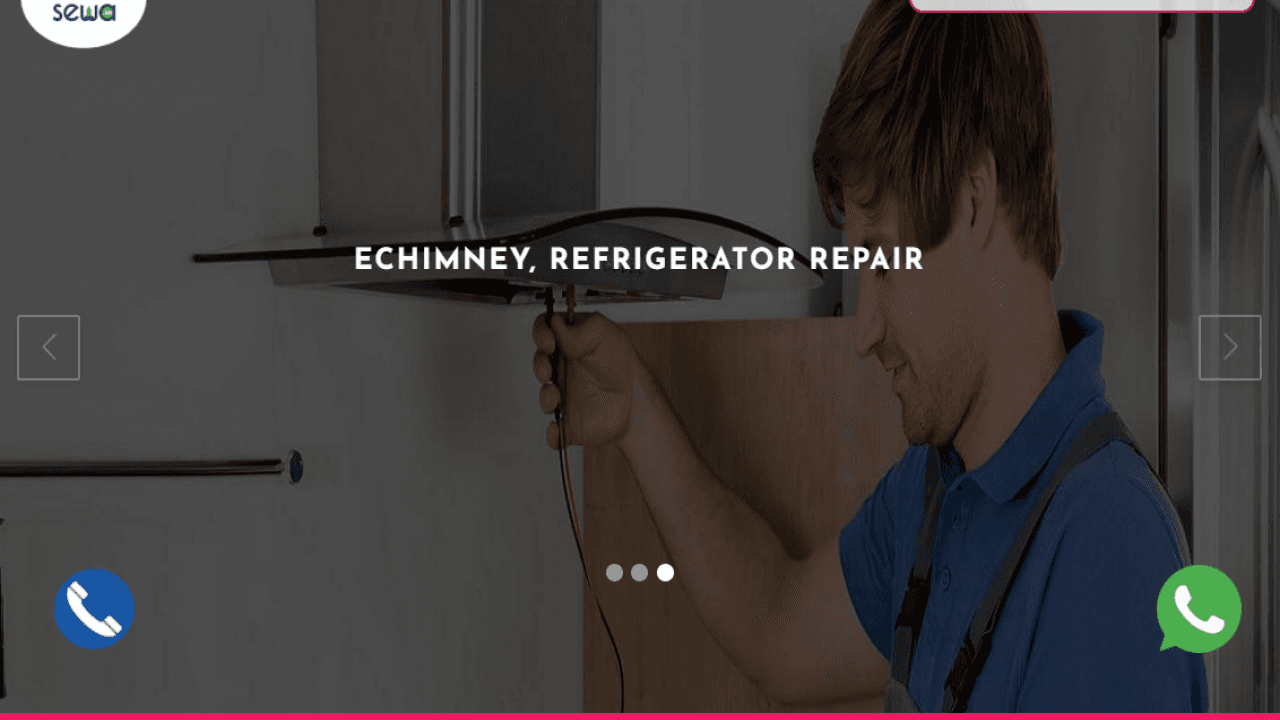
Project Description
- Get the WhatsApp Floating Button by pasting just one line of code on the header or footer of your website.
- Get the Floating Call Button by pasting just one line of code on the header or footer of your website.
<!--WHATS APP SHARE BUTTON STARTING -->
<a
href="https://wa.me/918789529215?text=Hi%20There!"
class="float"
style="
position: fixed;
width: 50px;
height: 50px;
bottom: 70px;
right: 80px;
color: #fff;
border-radius: 50px;
text-align: center;
cursor: pointer;
box-shadow: 2px 2px 3px #999;
"
>
<img
src="https://trickuweb.com/whatsapp.png"
alt=""
height="60px"
width="60px"
/>
</a>
<!-- WHATS APP SHARE BUTTON ENDING -->
<!--Floating Call BUTTON STARTING -->
<a
href="tel:+918789529215"
class="float"
style="
position: fixed;
width: 50px;
height: 50px;
bottom: 80px;
left: 80px;
color: #fff;
border-radius: 50px;
text-align: center;
cursor: pointer;
box-shadow: 2px 2px 3px #999;
"
>
<img src="call.png" alt="" height="60px" width="60px" />
</a>
<!-- Floating Call BUTTON ENDING -->