
Project Description
Inventory Management System Project in PHP with Source Code
Overview
The Inventory Management System is a powerful and user-friendly web-based application built using Laravel 12 (backend) and React JS (frontend) with a MySQL database. It is designed to help businesses efficiently manage their products, categories, suppliers, customers, sales, and inventory in real time.
This system provides a comprehensive dashboard that presents key business metrics and insights, allowing managers and administrators to make data-driven decisions quickly. It also includes role-based access control to ensure data security and appropriate access for different user levels.
The project is fully open-source and can be customized to fit any small, medium, or large business inventory management workflow.
Technologies Used
- Backend: Laravel 12 (PHP Framework)
- Frontend: React JS
- Database: MySQL
- Authentication: Laravel Breeze / Sanctum
- Server Requirements: PHP ≥ 8.1, Composer, Node.js, NPM, MySQL Server
User Roles and Access Levels
This system provides role-based access control (RBAC) with three main user roles:
- Admin: Full access to all modules and settings, user management, and configurations.
- Manager: Can manage inventory, suppliers, customers, and view reports.
- Staff: Handles daily operations like sales, stock updates, and product management.
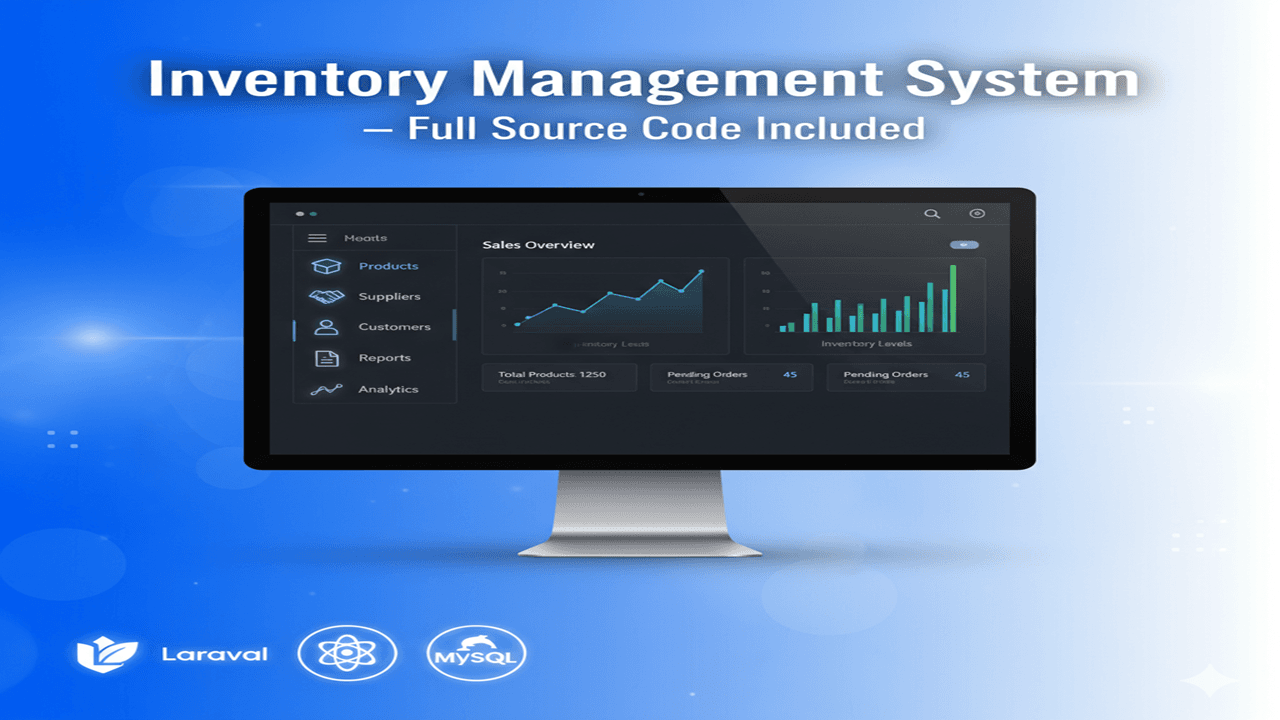
Dashboard
The dashboard provides a clear overview of the inventory status with visual insights such as:
- Total number of products in stock
- Low-stock alerts
- Total sales and revenue
- Recent sales transactions
- Supplier and customer summaries
It uses React components and dynamic charts for a responsive, modern UI.
Main Features
1. Product Management
- Add, edit, delete, and search products easily
- Assign products to categories and suppliers
- Track stock levels, cost, and selling prices
- Upload product images and descriptions
2. Category Management
- Organize products under different categories
- Add, rename, or delete categories
- Filter and view products by category
3. Supplier Management
- Maintain supplier details (name, contact, address)
- Track supplied products and purchase history
- Generate supplier-based purchase reports
4. Customer Management
- Store and manage customer information
- Track customer purchases and sales history
- Support loyalty tracking or returns (optional)
5. Sales Management
- Create and manage sales invoices
- Automatically update stock after each sale
- Generate daily, weekly, or monthly sales reports
6. Inventory Management
- Real-time stock updates
- Low-stock and out-of-stock alerts
- Adjust stock for returns or damaged goods
7. Reporting Module
- Generate detailed reports by date, category, supplier, or product
- Export reports to PDF or Excel
- View visual analytics with charts and graphs
8. Settings
- Configure company profile, logo, and general settings
- Manage user roles and permissions
- Database backup and restore options
Project Setup and Installation
Watch the setup video tutorial included in the project repository to understand how to install and configure the system properly.
- Clone or download the project source code.
- Set up the backend (Laravel):
- Run
composer install - Configure the
.envfile with your database credentials. - Run migrations using
php artisan migrate --seed - Start the server:
php artisan serve
- Run
- Set up the frontend (React):
- Navigate to the React folder.
- Run
npm install - Set the API base URL in
.envor a config file. - Start the frontend:
npm start
- Access the system at
http://localhost:3000.
Benefits of Using This System
- Simple and efficient stock management
- Data transparency with detailed reports
- Reduces manual entry errors
- Secure role-based access system
- Responsive and modern user interface
- Scalable for multi-branch or multi-warehouse management
Future Enhancements
- Barcode scanning for faster product entry
- Email/SMS notifications for low stock or order updates
- Multi-language and multi-currency support
- Integration with accounting or POS systems
- Cloud and mobile app version
Included in the Source Code
- Complete Laravel 12 backend
- React JS frontend
- MySQL database SQL file
- Configuration and installation guide
- Sample demo data
Video Tutorial
Watch the full setup and demo video to learn how to install and use the project effectively.